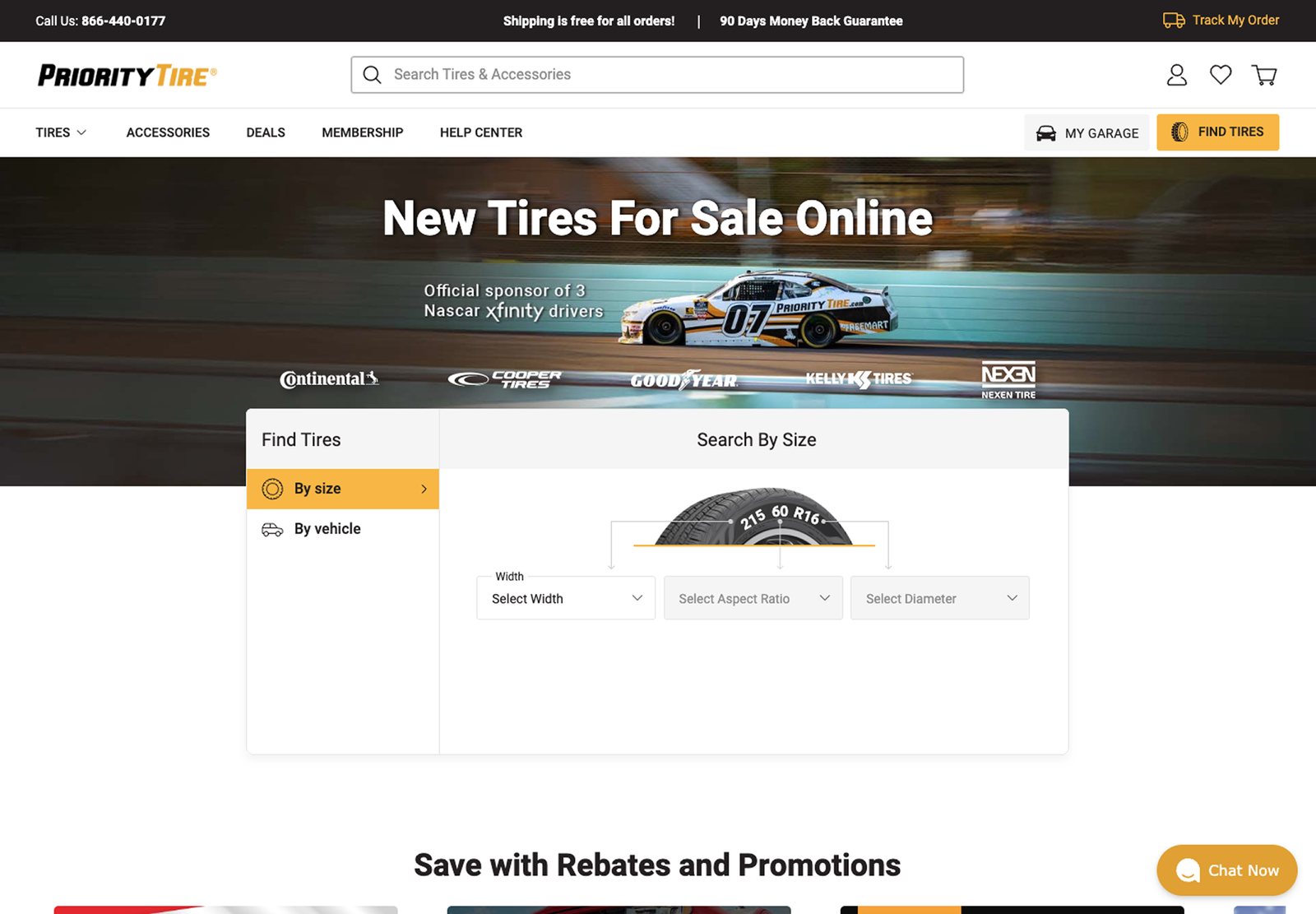
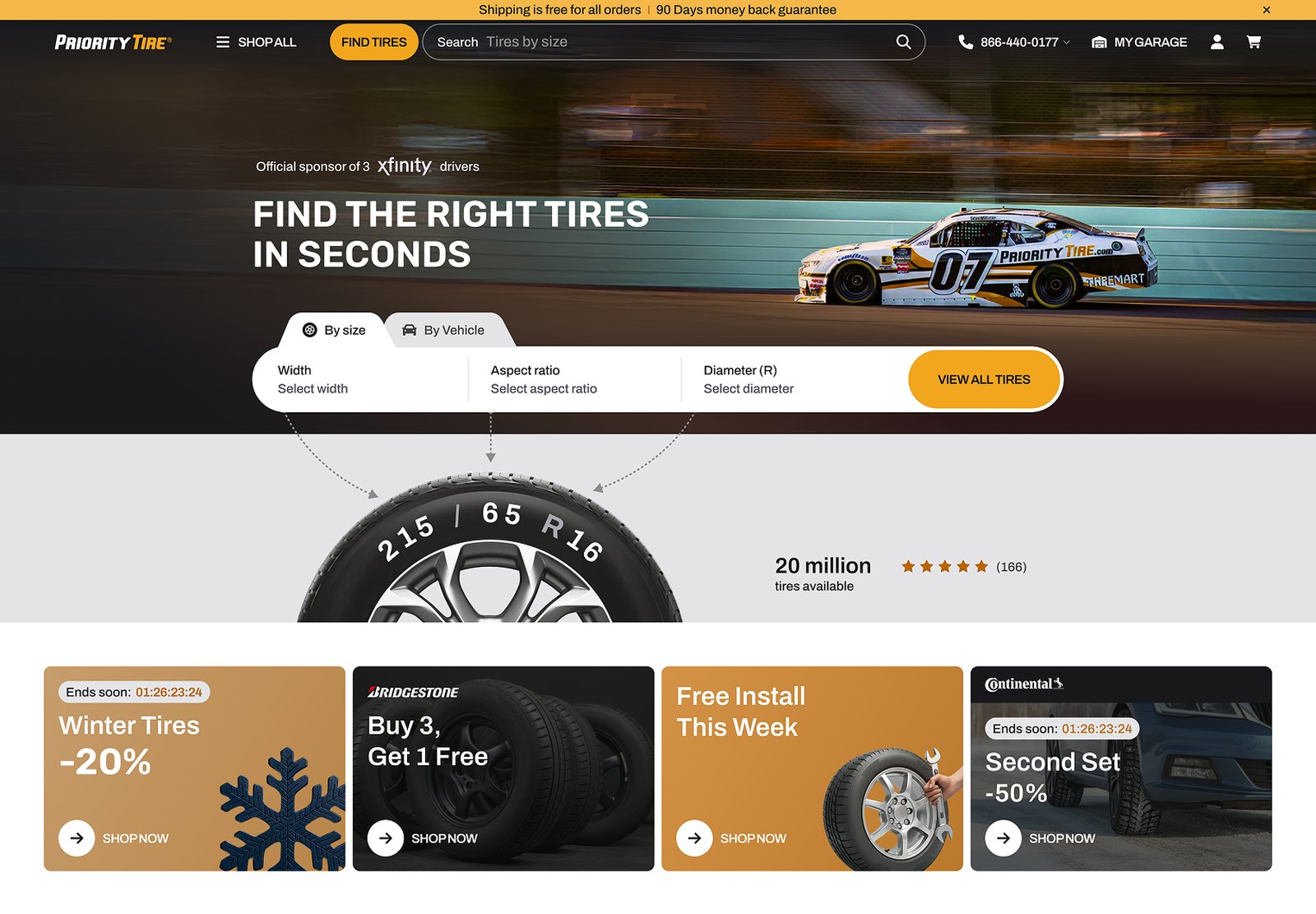
A fresh look that still feels like Priority Tire
I modernised the UI and kept the yellow, black and racing look that loyal customers trust.
Priority Tire has a strong brand and a loyal audience. A full visual reset would have cost that trust, so I kept what people recognise and cleaned up everything around it.
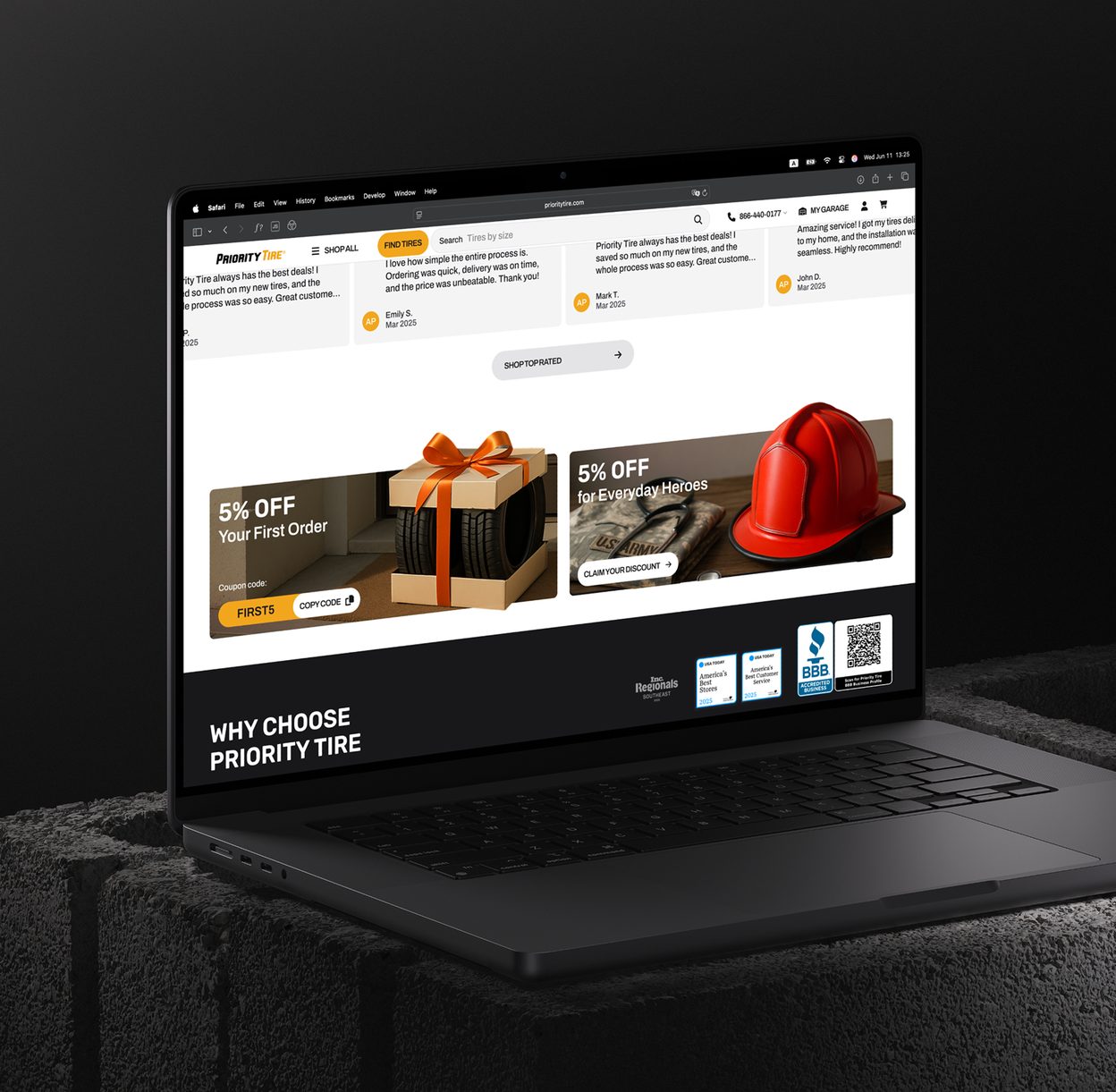
New type, spacing and components make the store feel current. The yellow, the dark hero and the NASCAR sponsorship stay, so returning customers feel at home and new ones get a clean, modern store.
Search for people who don't know their tire size
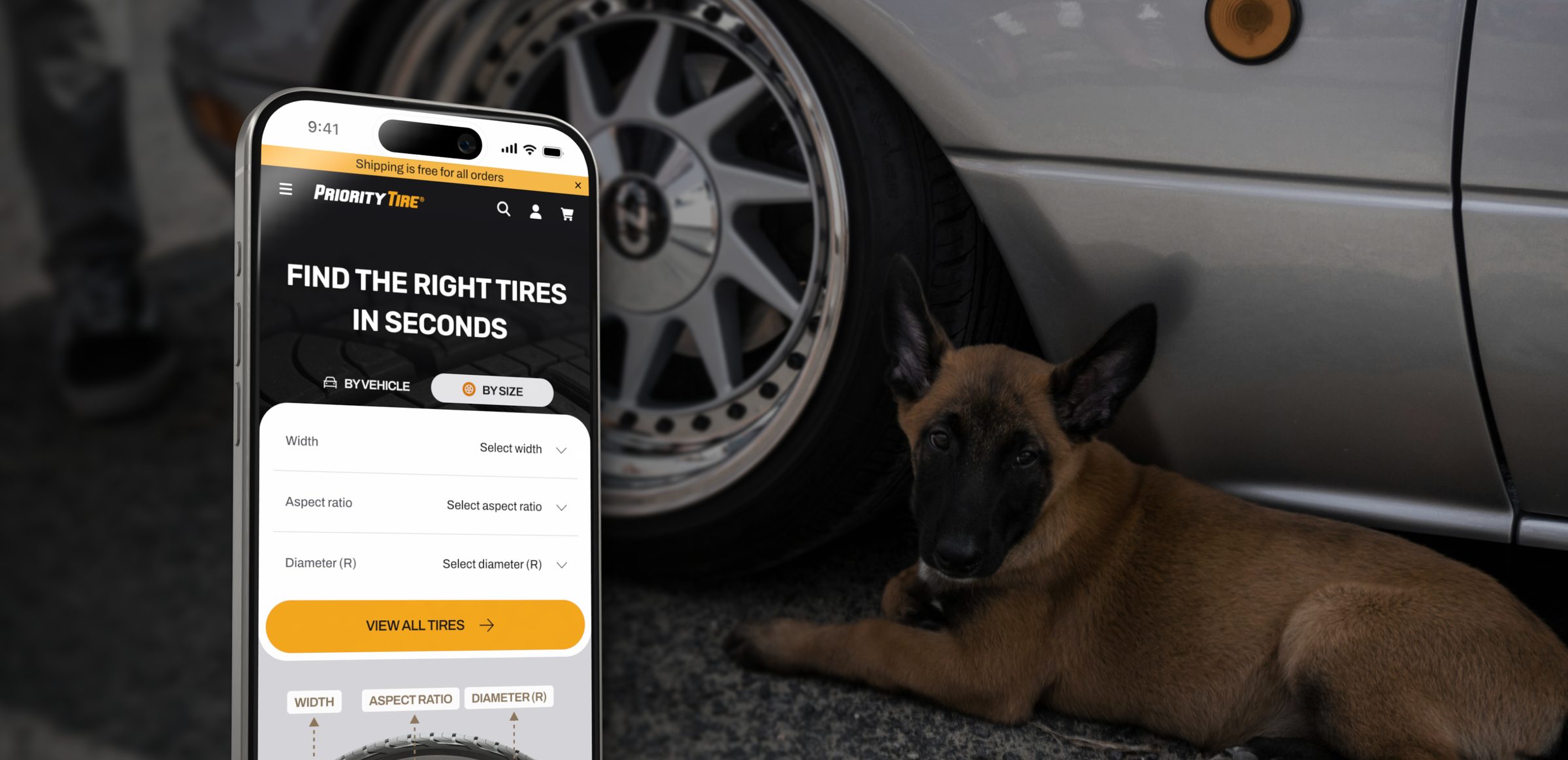
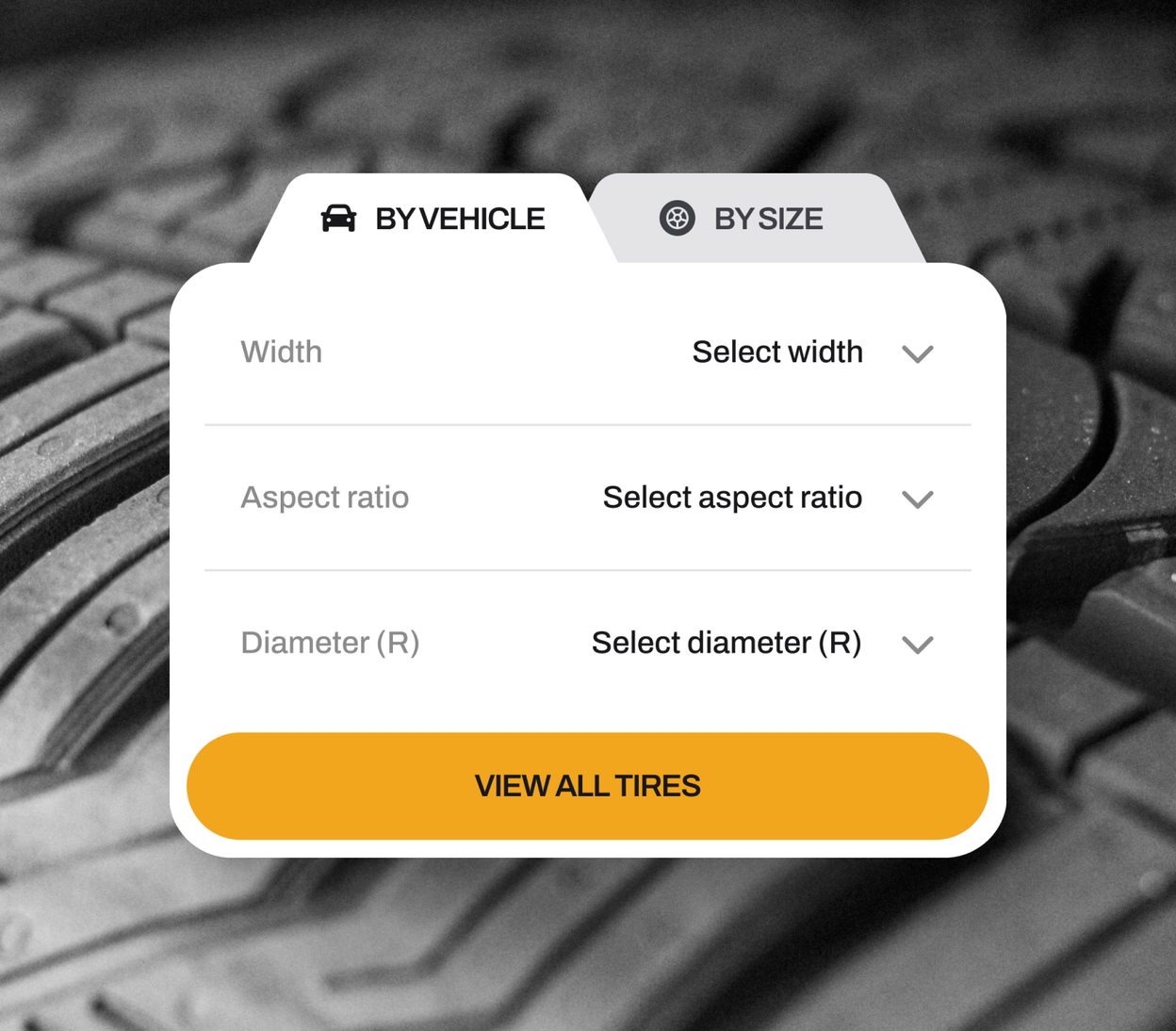
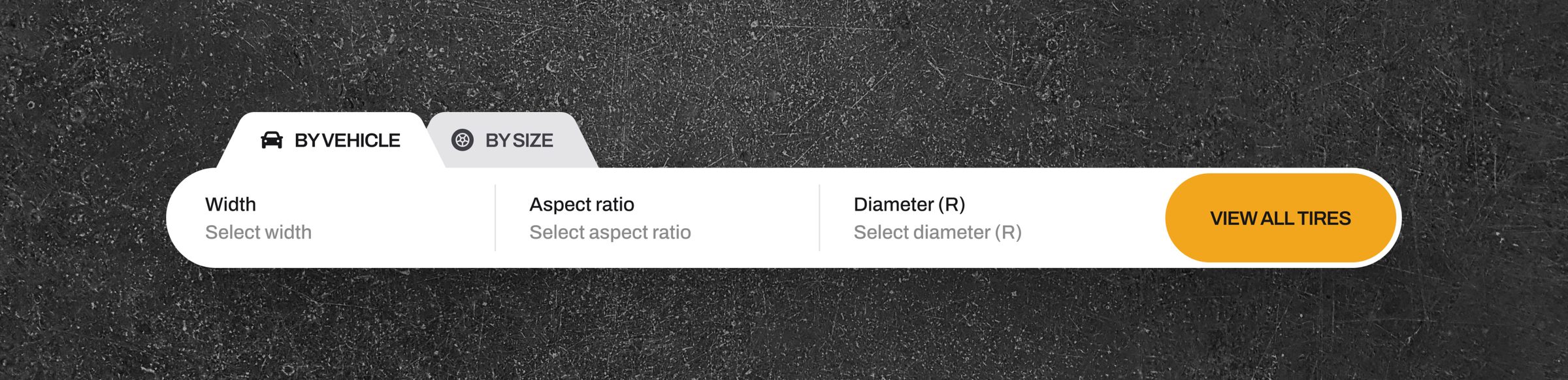
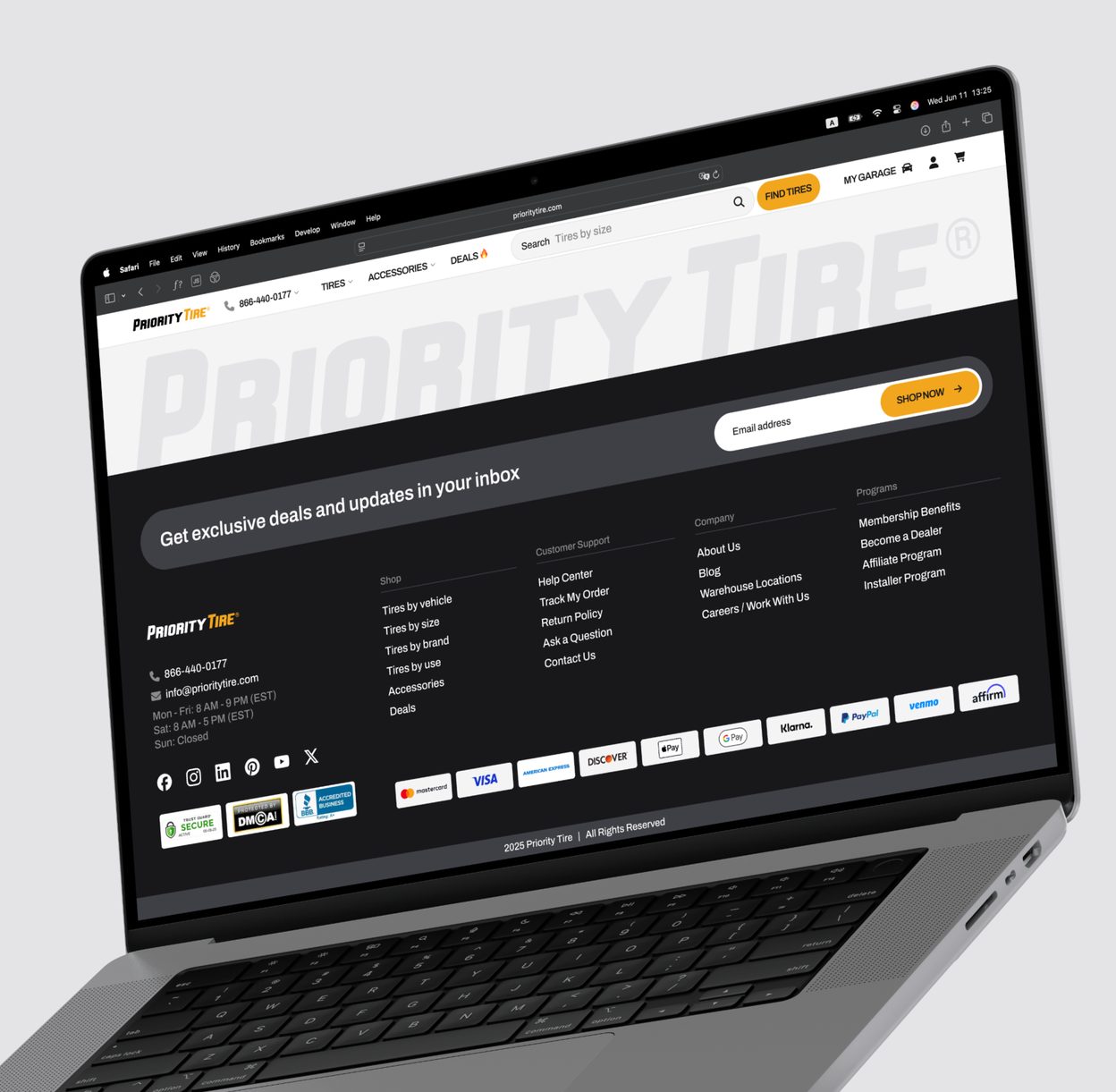
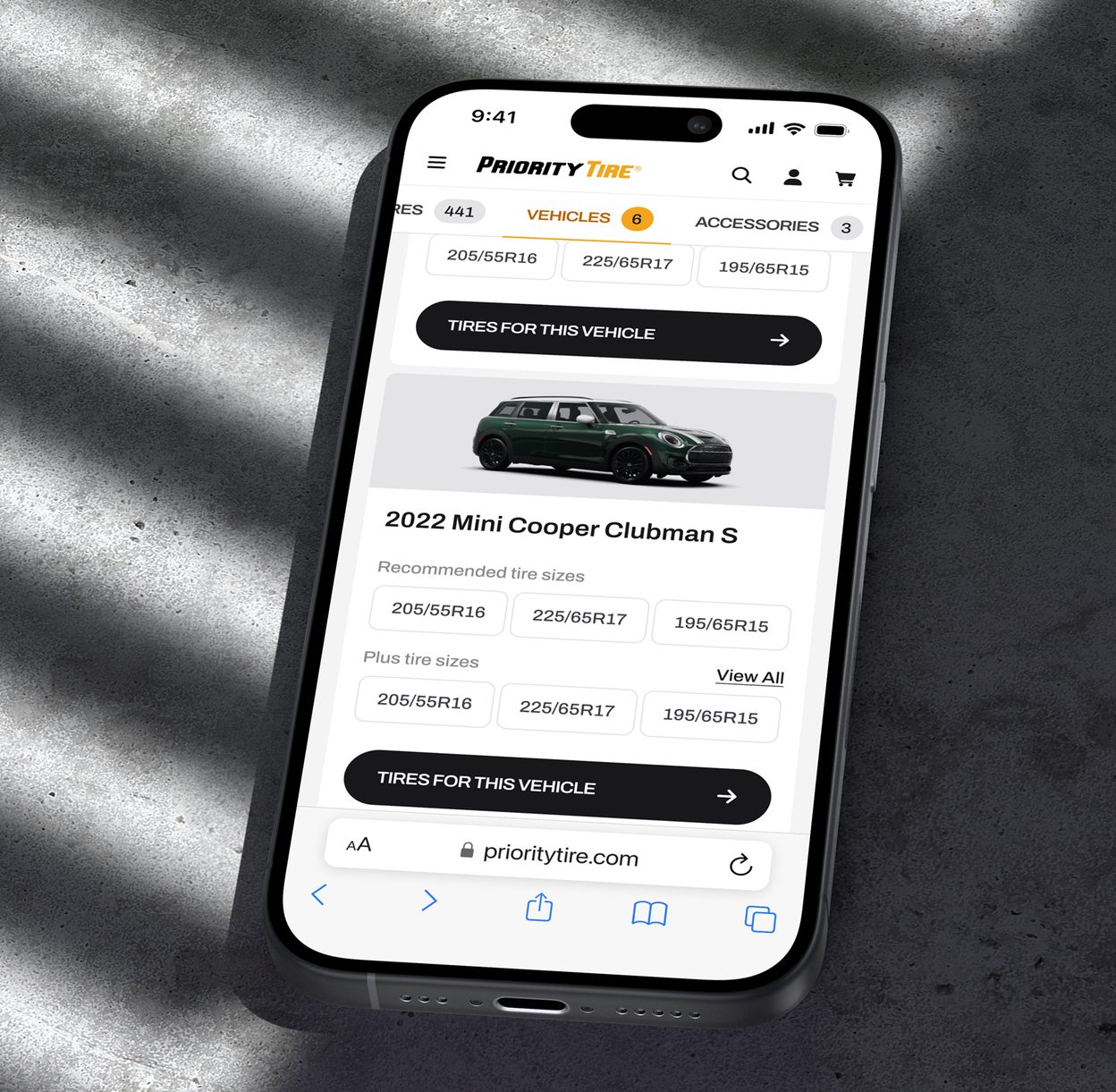
I reworked every way in: the search bar, the header and the Find Tires widget, with vehicle before size.
The old Find Tires widget asked for the size first. I put the vehicle first and made every field and the button obvious.
The search bar suggests before you type and understands a size, a purpose or a product name in one field. Navigation got shorter, especially on mobile, with fewer steps to a product list.
The Find Tires widget now has one clear path from the first field to the button.
A catalog that helps you choose
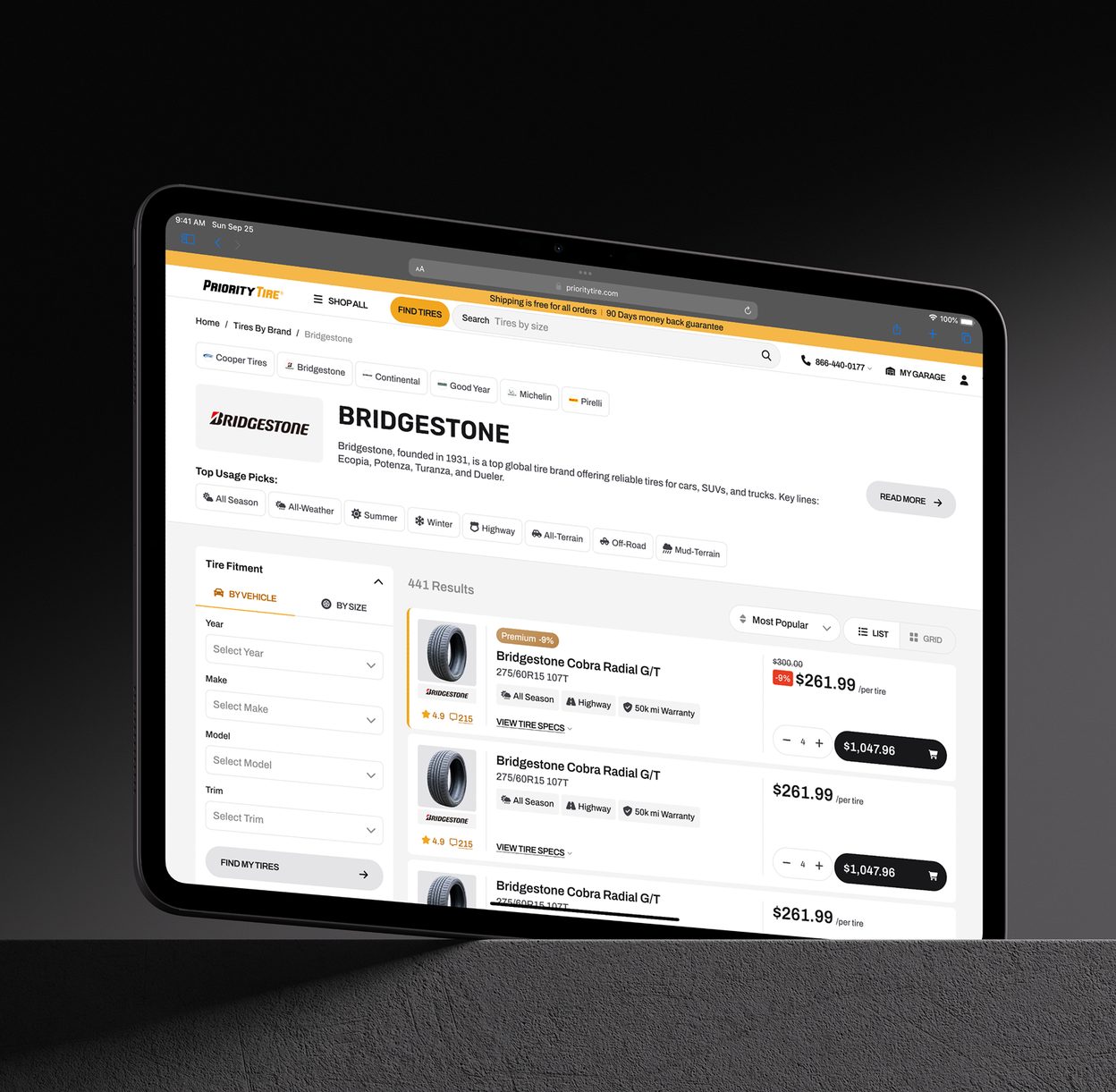
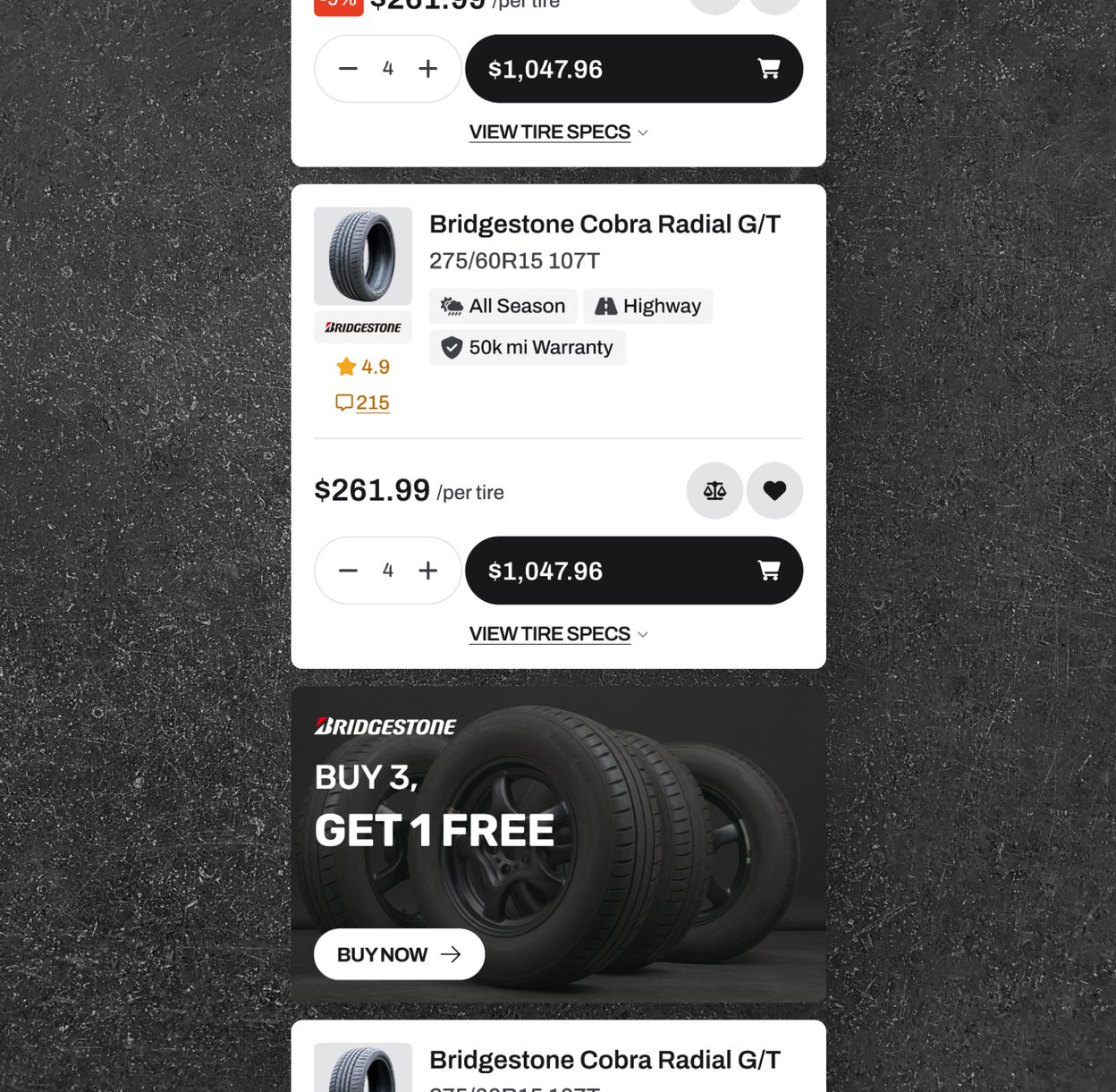
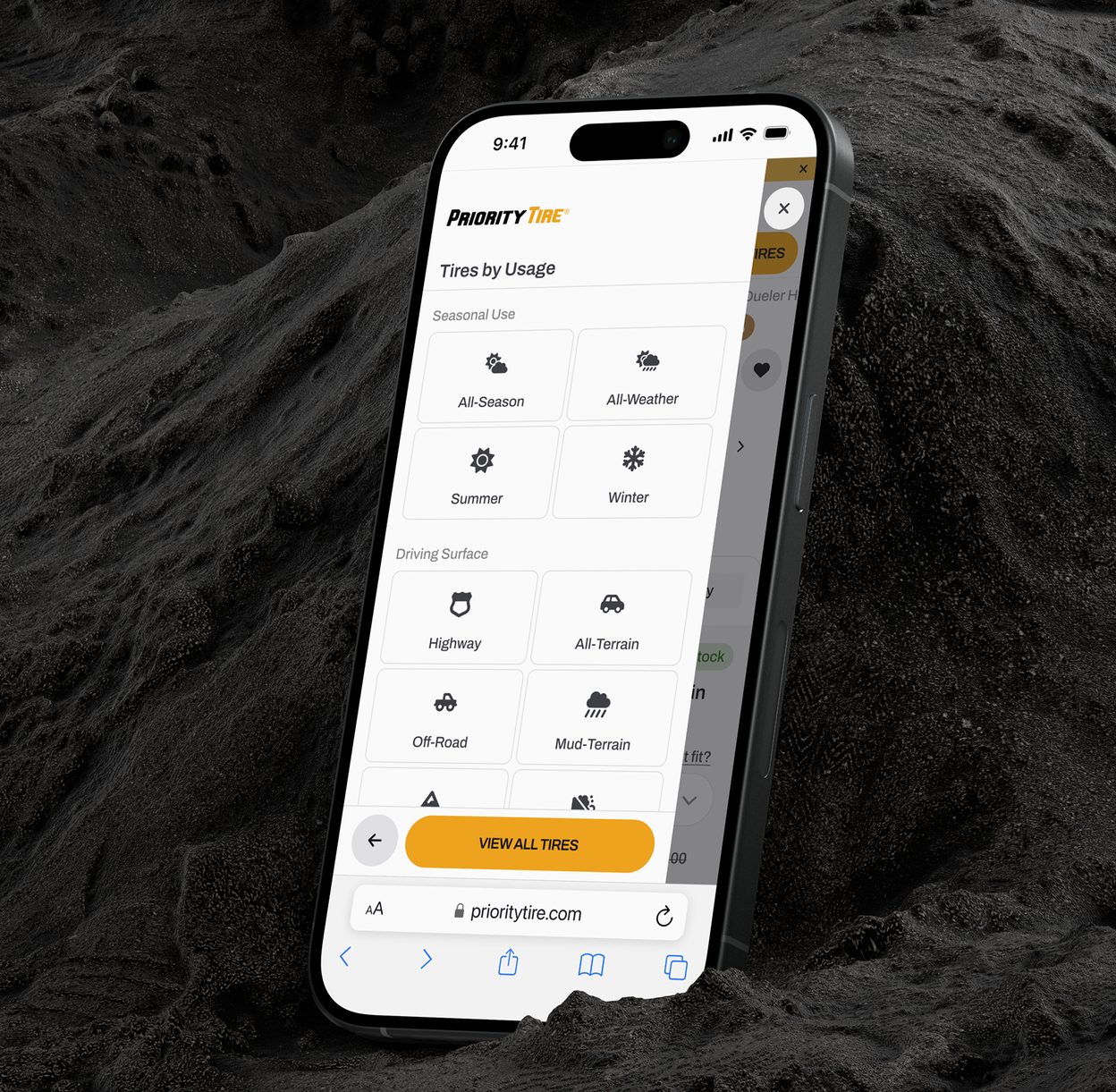
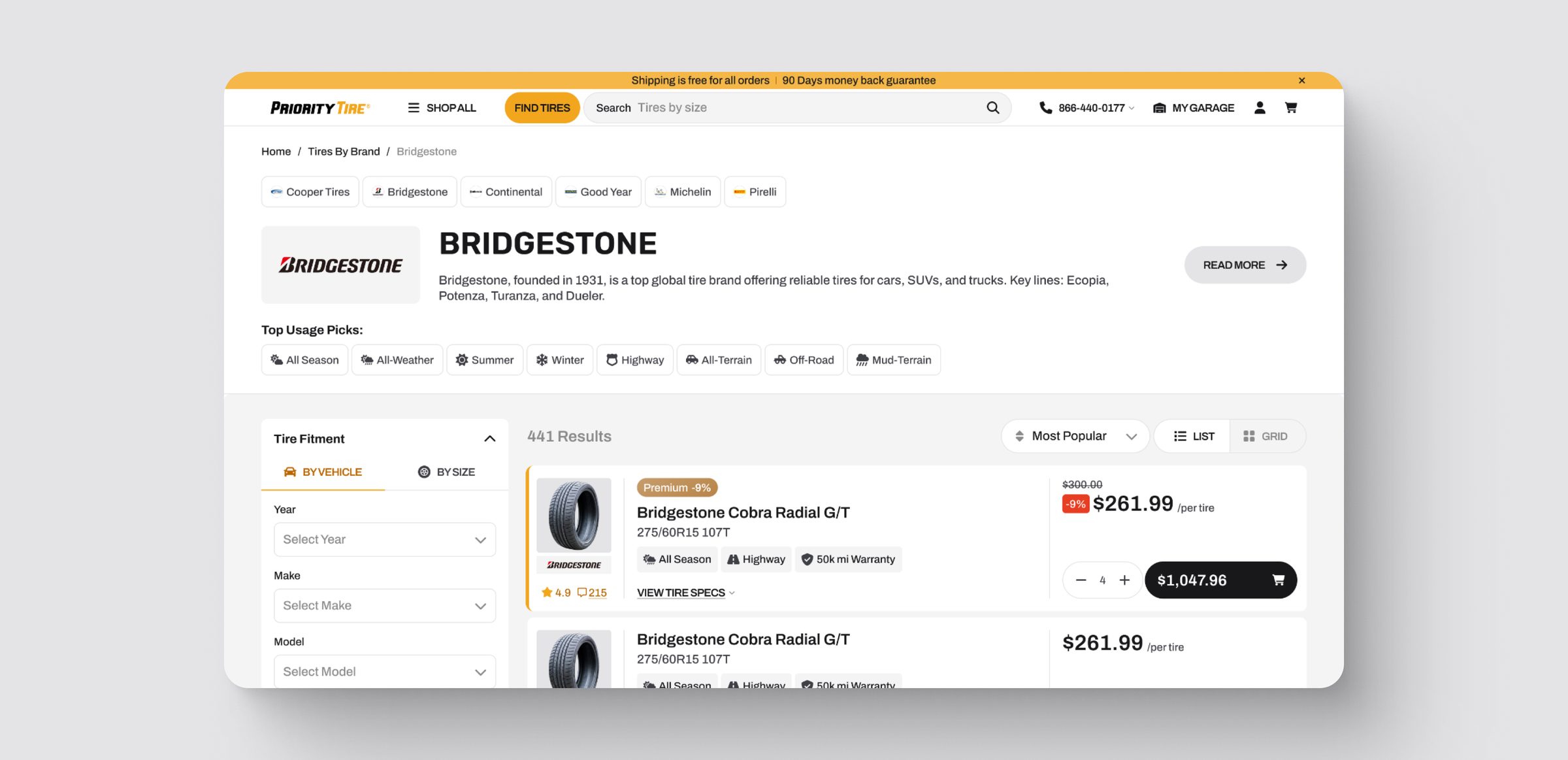
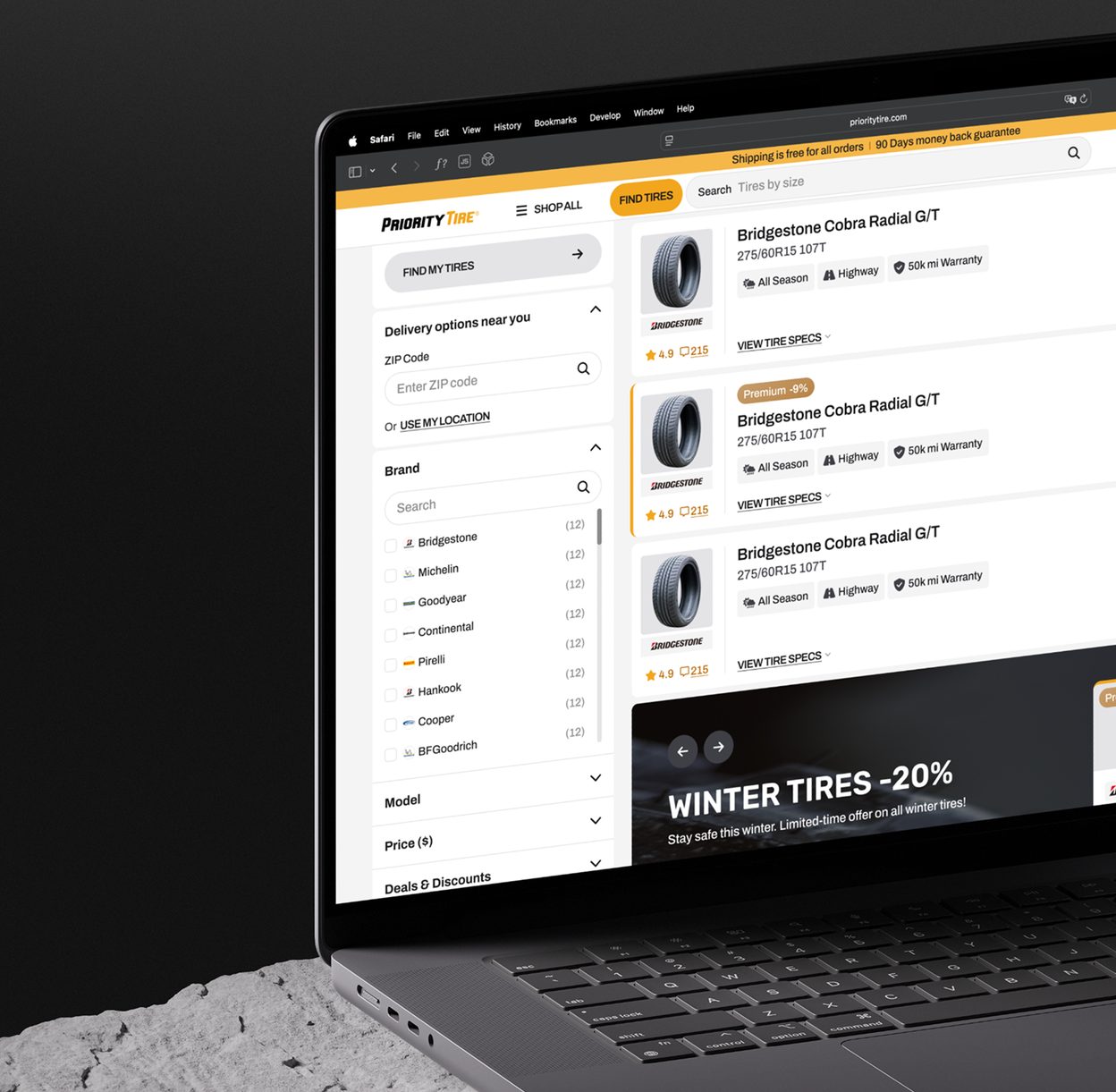
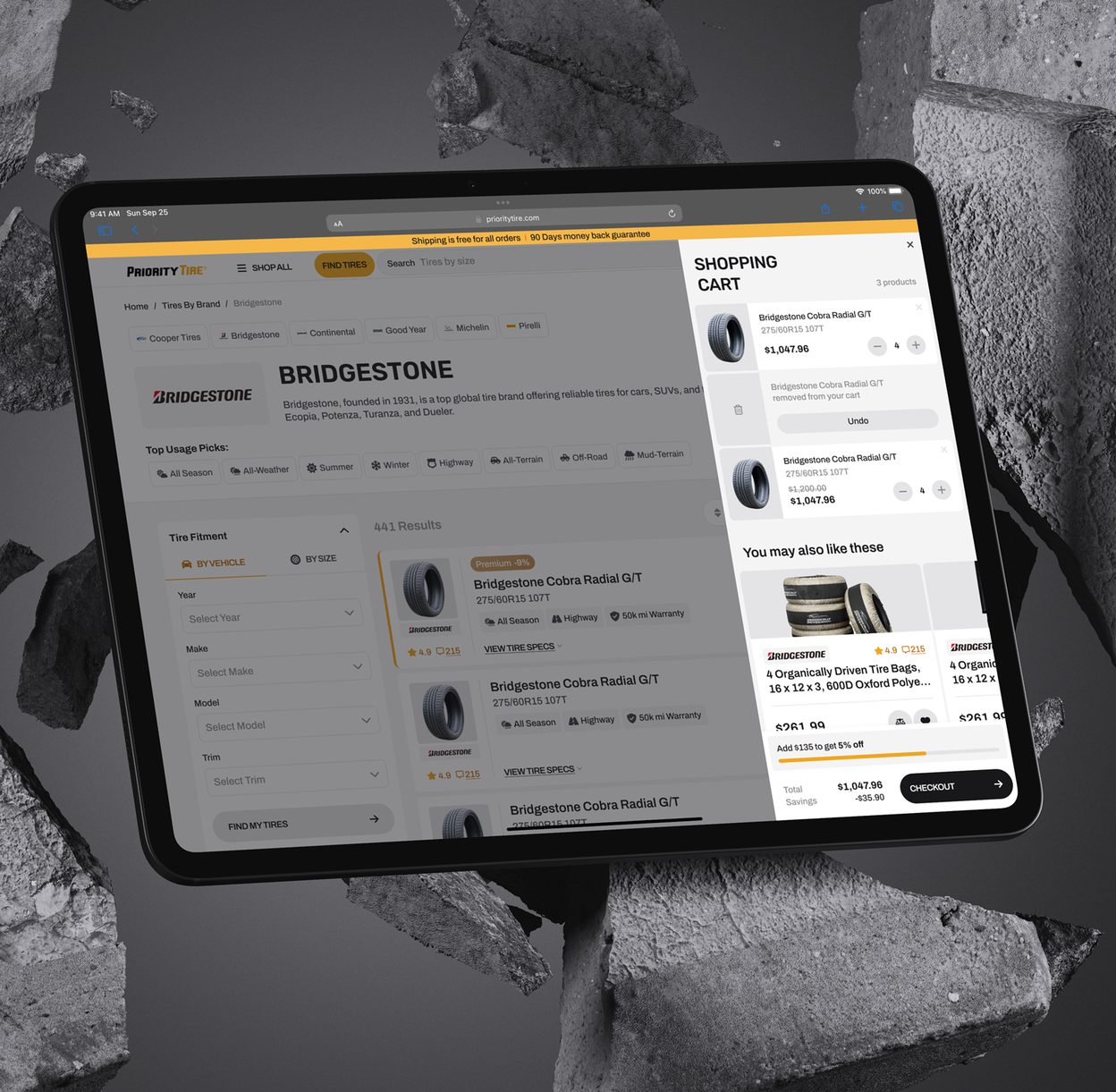
A useful top of page, cards that lead with season, warranty and purpose, and filters based on real use.
The top of the catalog was cluttered and didn't help. I turned it into horizontal navigation with related categories and suggestions that narrow the list fast.
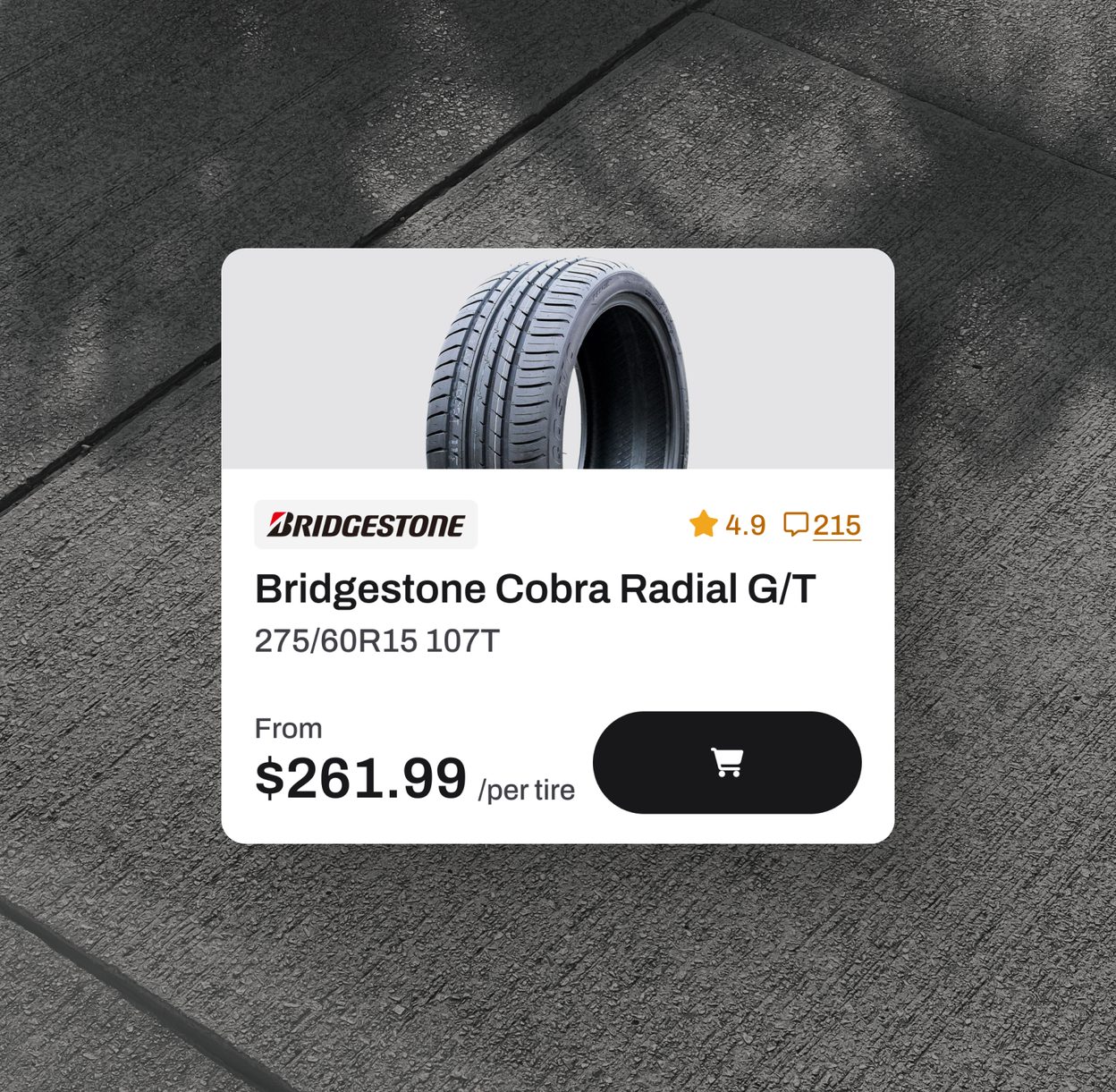
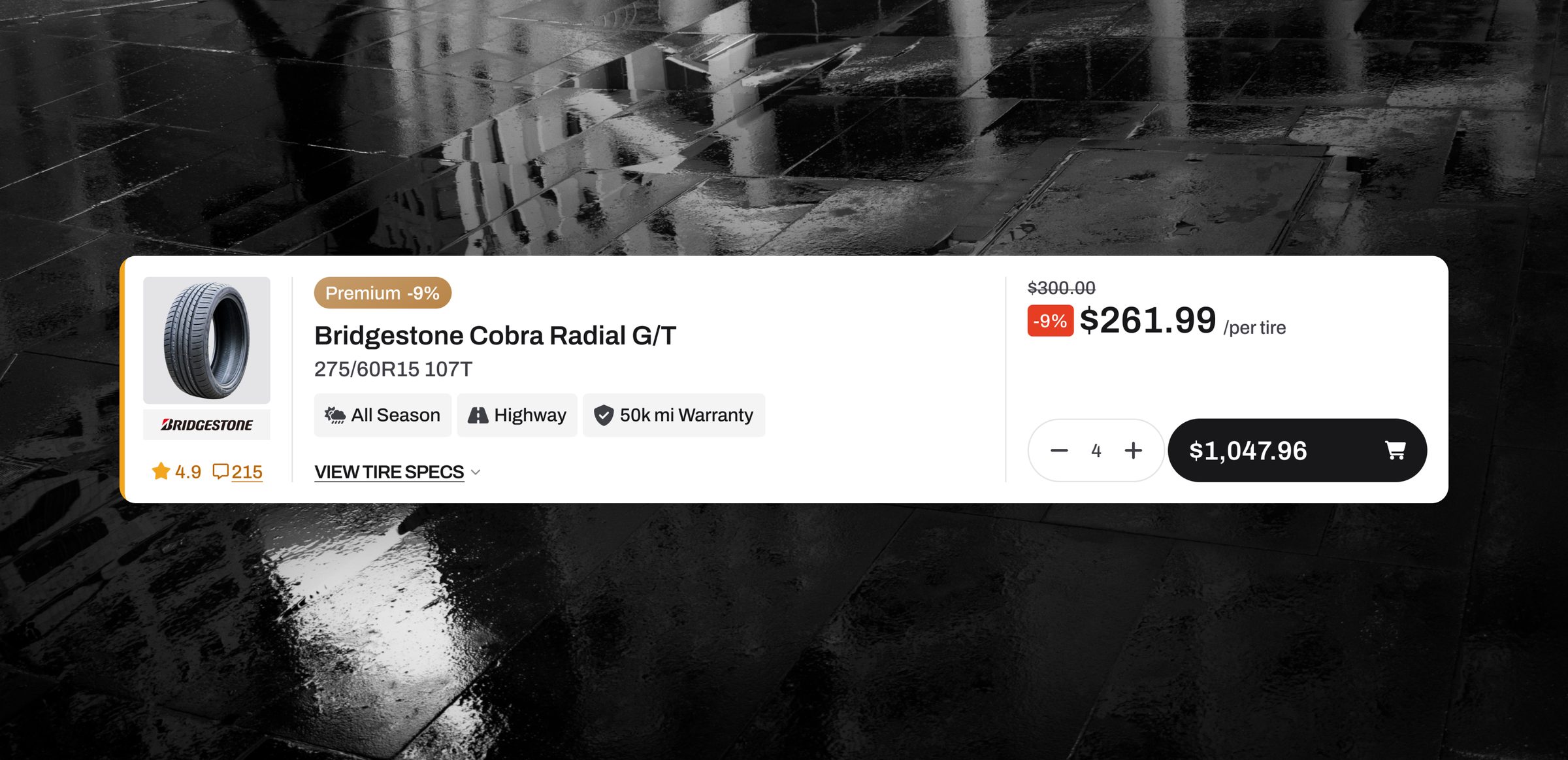
Product cards keep every essential detail but lead with what decides a tire: season, warranty and purpose. The photo got smaller, since tires look alike.
I reordered the filters using usage data. The most used come first, the overly technical ones are gone, and new ones like customer rating were added.
A product page for experts and first-timers
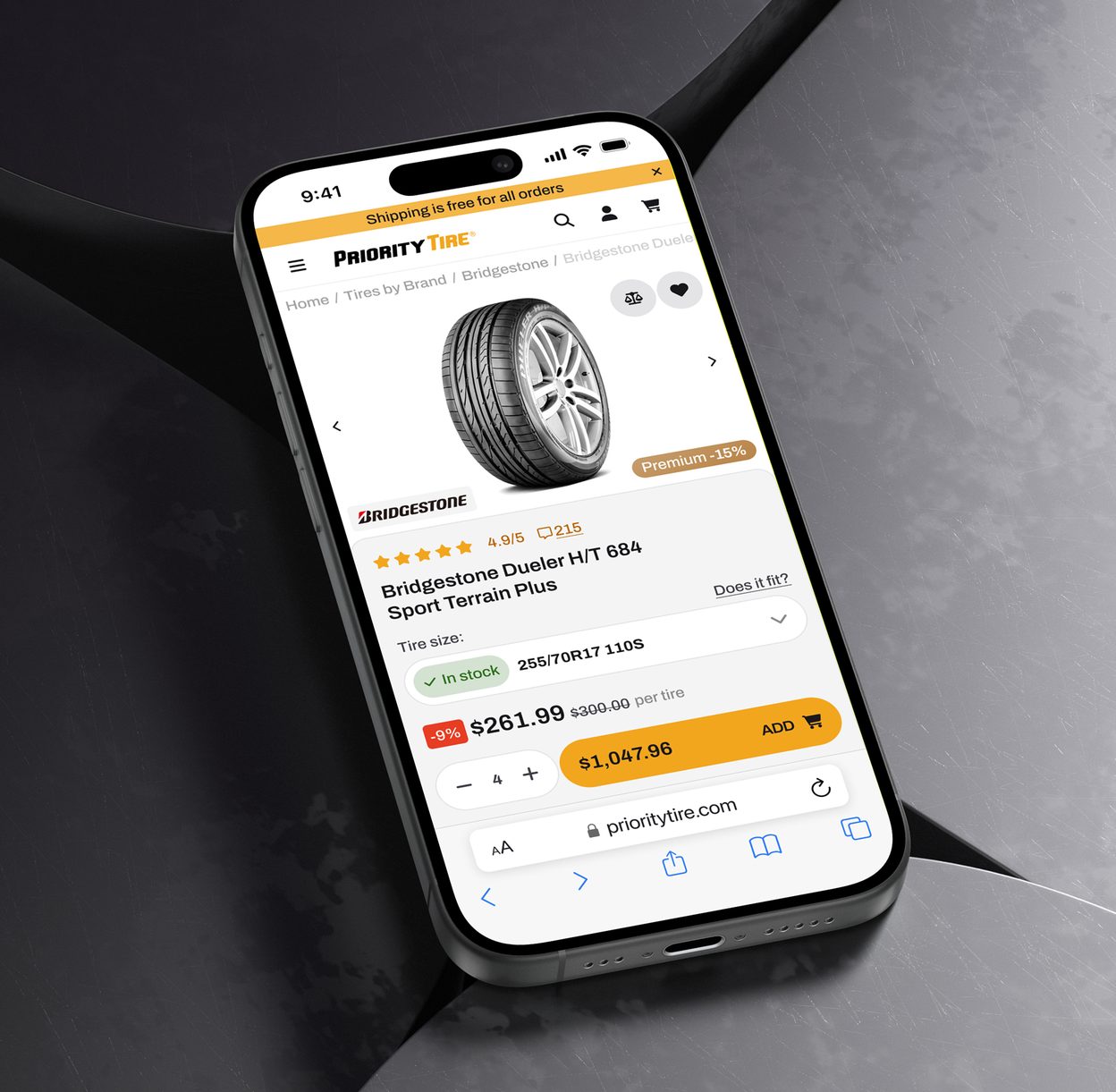
Key facts ranked by how much they affect the purchase, plus upsells and a comparison table.
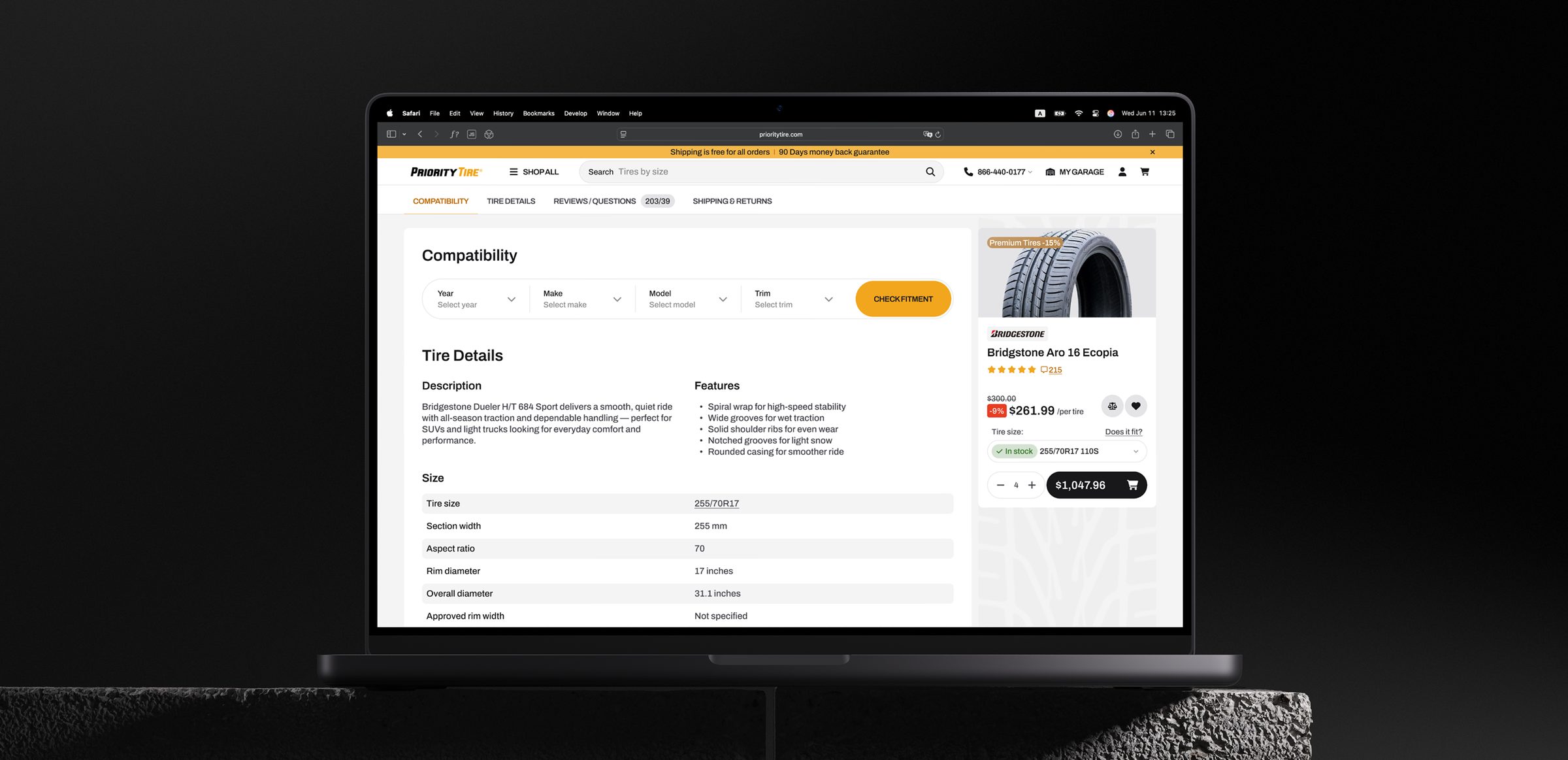
The old page showed a lot, but everything had the same weight. I ranked the content by how much it affects the purchase, so non-experts find the key facts fast and experts still reach the deep specs.
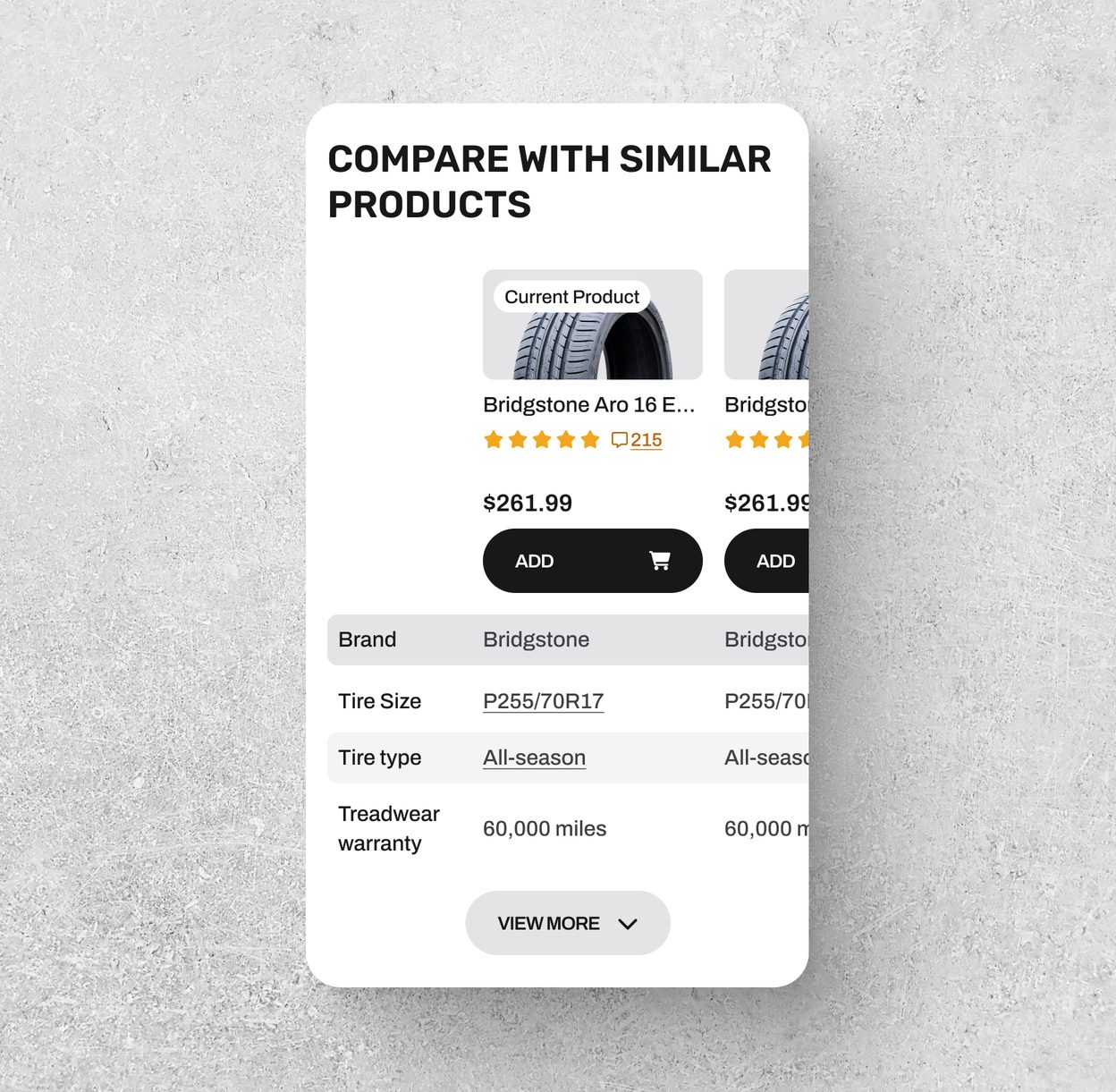
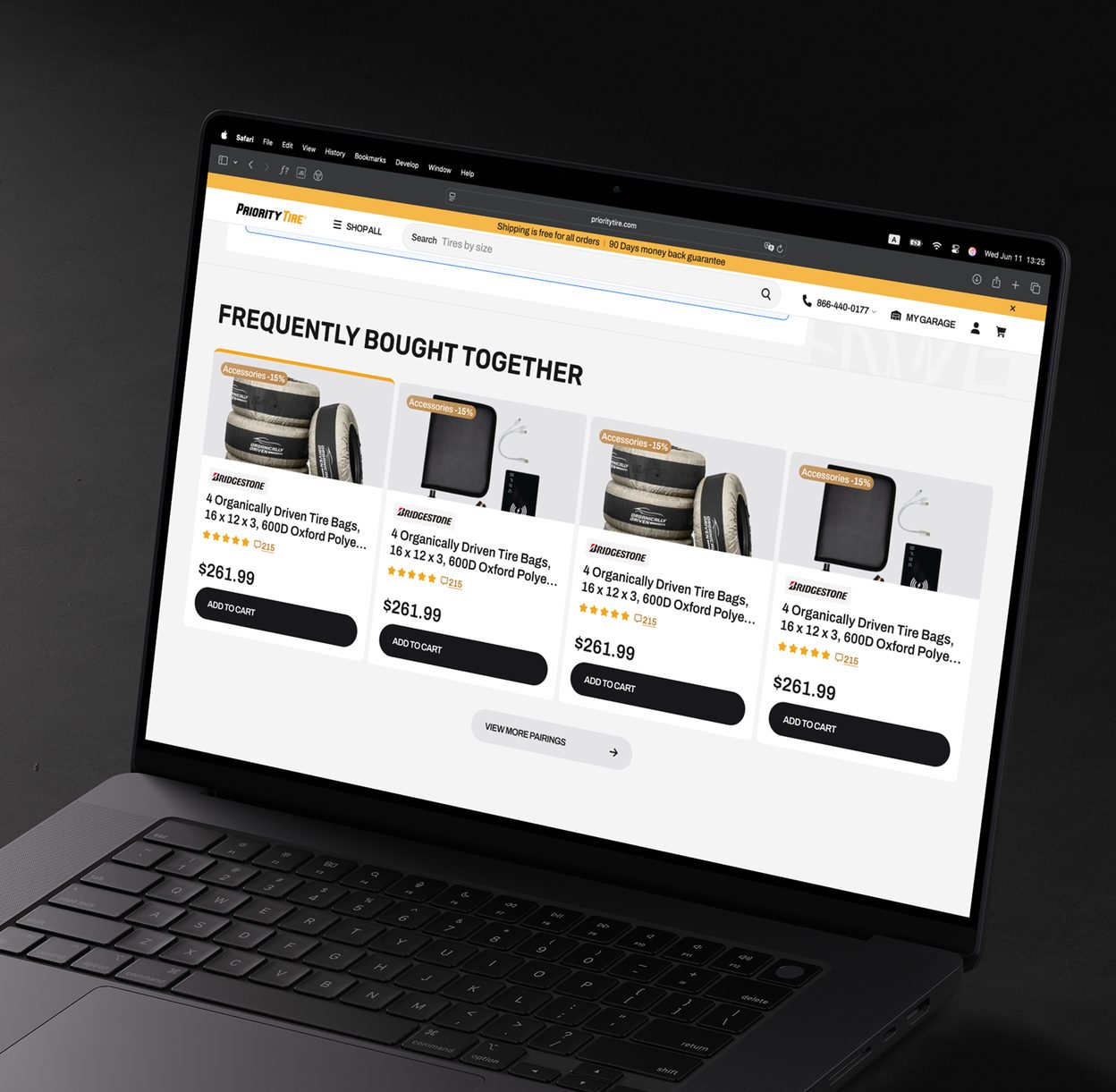
The old page had almost no upsell. I added recommended accessories and a comparison table with similar tires, so people can check alternatives without leaving the page.

Checkout built around delivery
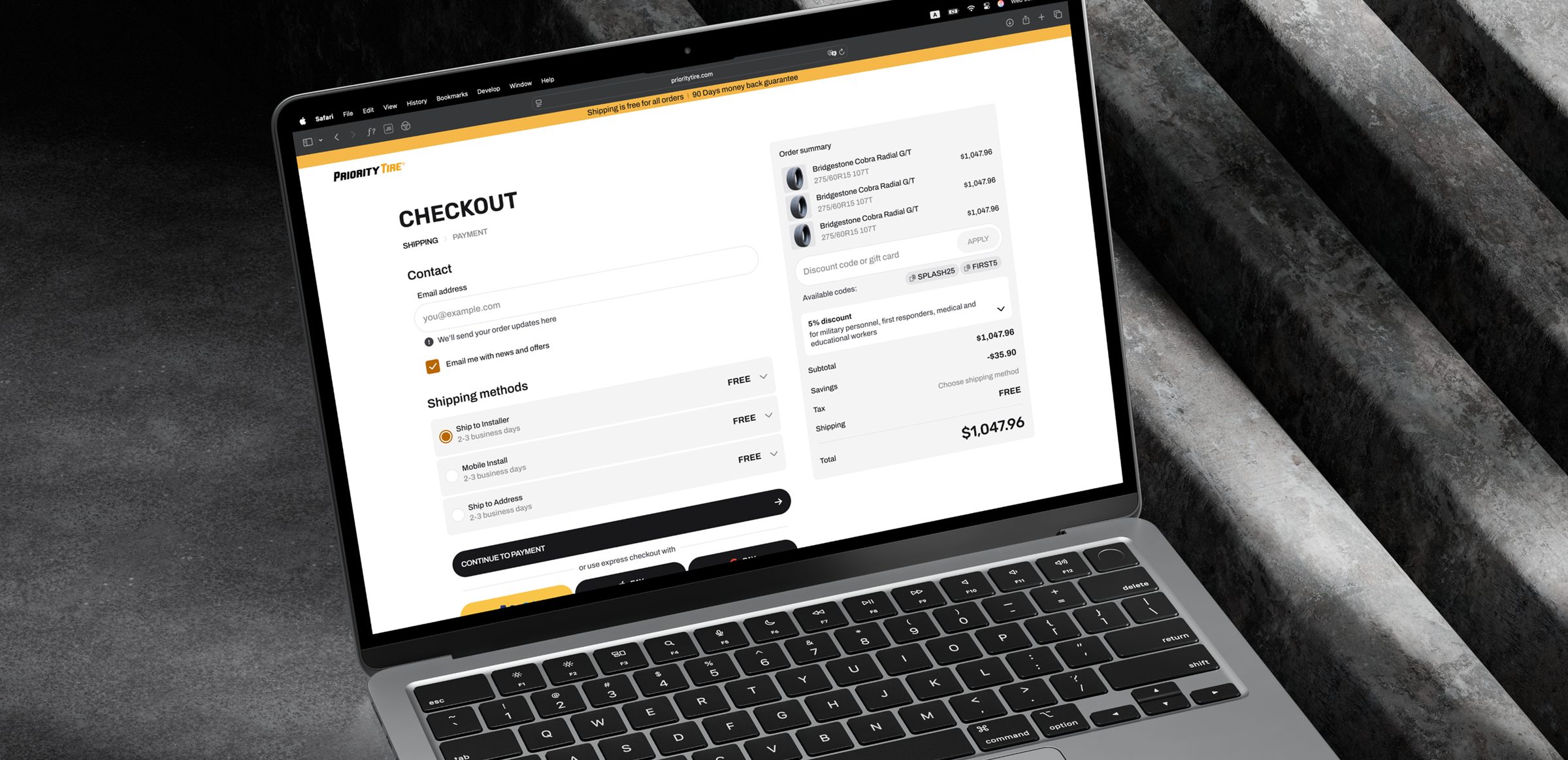
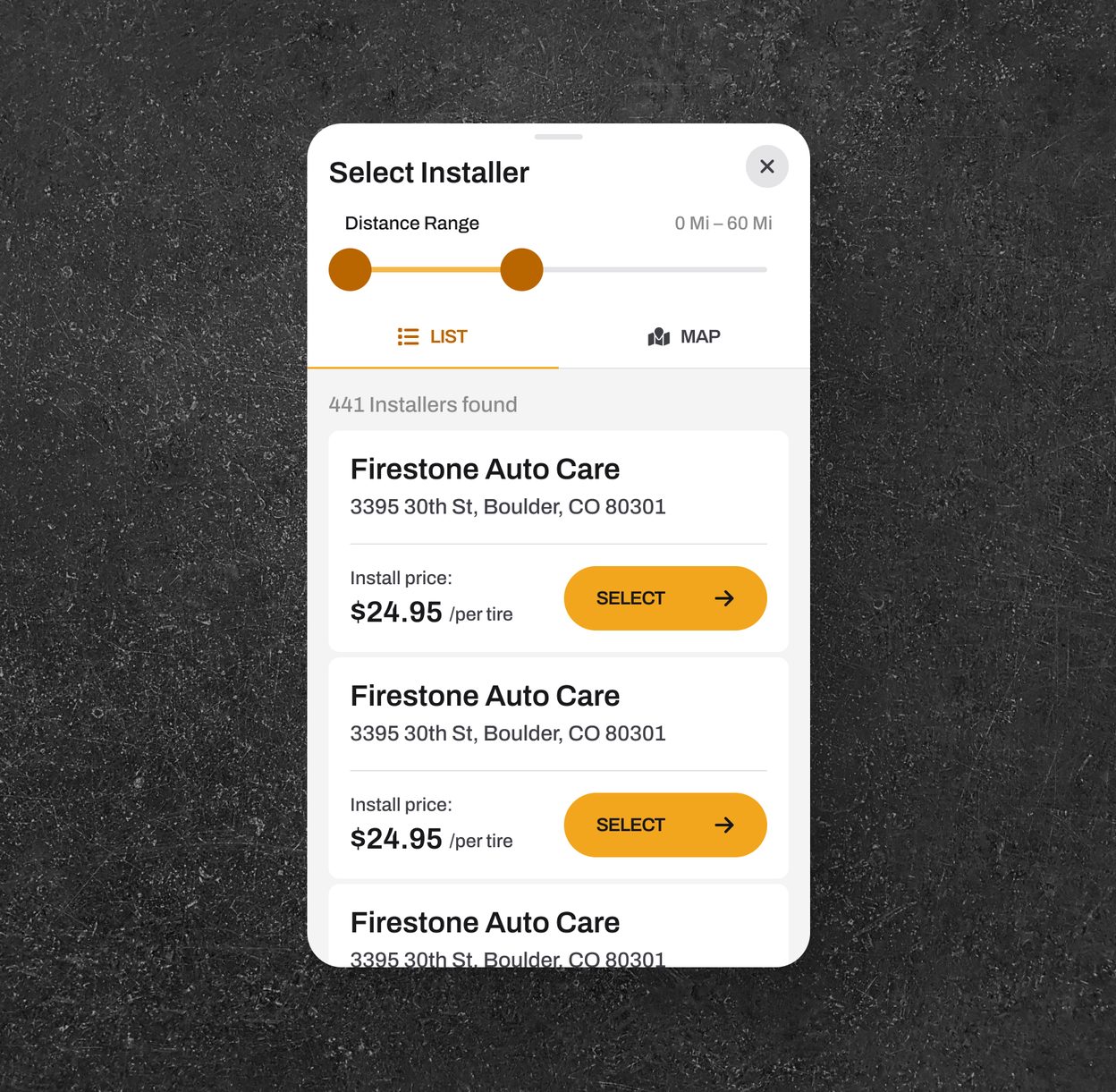
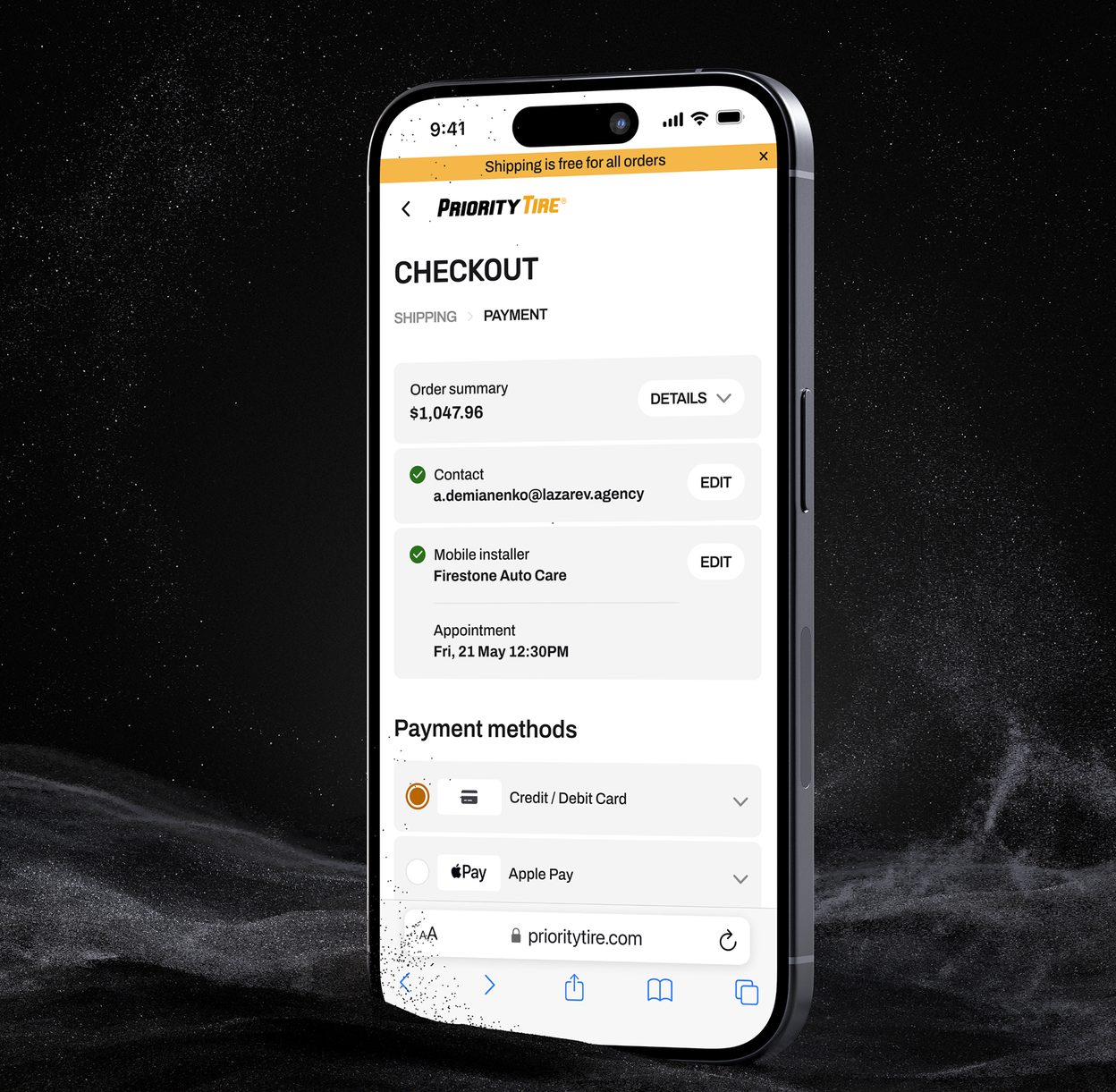
Delivery comes first: ship to an installer, a mobile installer or home delivery.
For tires, delivery decides the purchase, so it was the main checkout problem. I designed one flow with three options: ship to an installer, a mobile installer or home delivery. It asks only for what each option needs, in a logical order.
Delivery is one of the first things you see in checkout. Promo codes show up right in the cart, especially for first-time buyers, to cut drop-off.
Payment covers the usual methods plus three express options for returning customers.
No dead ends
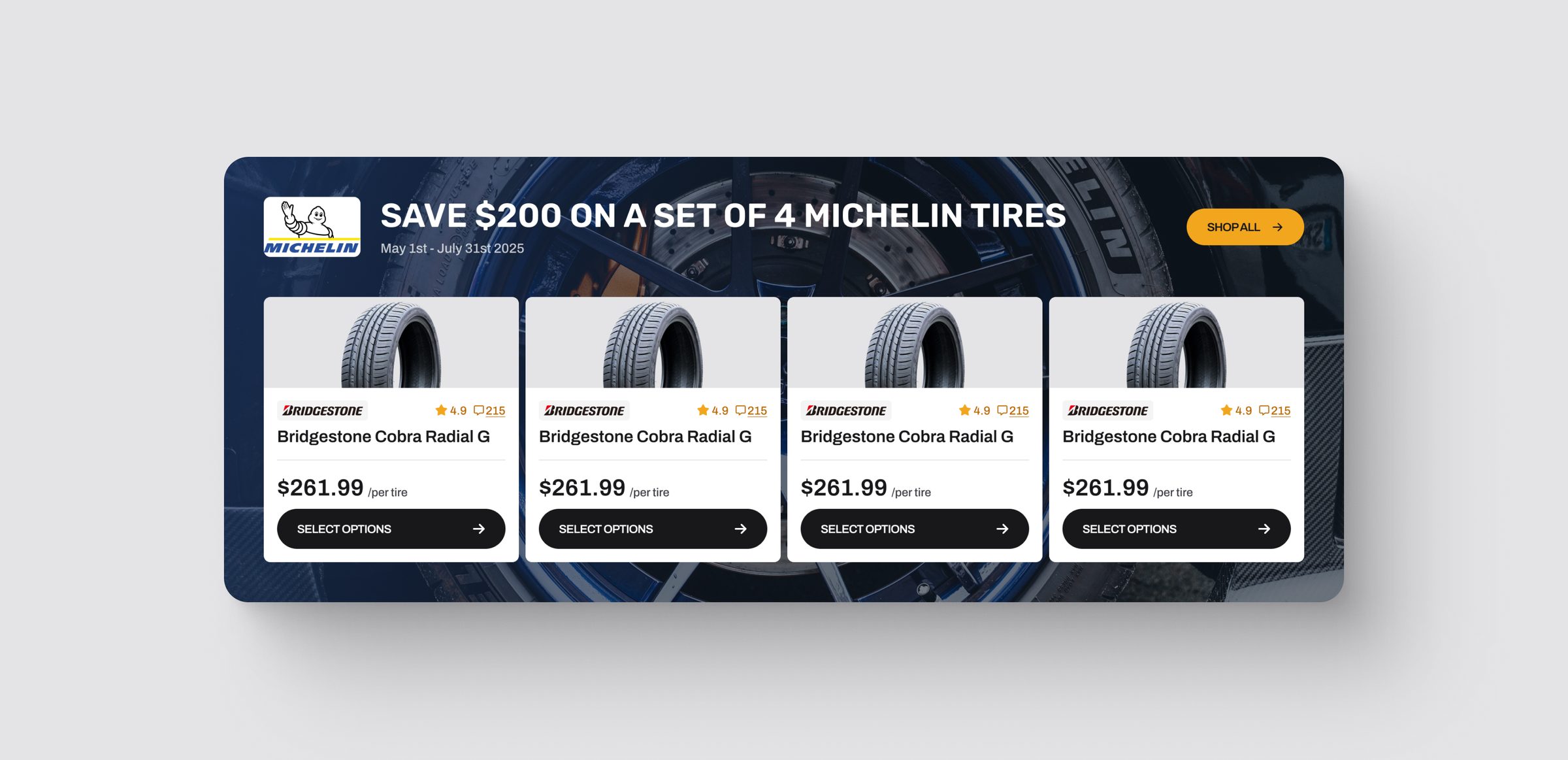
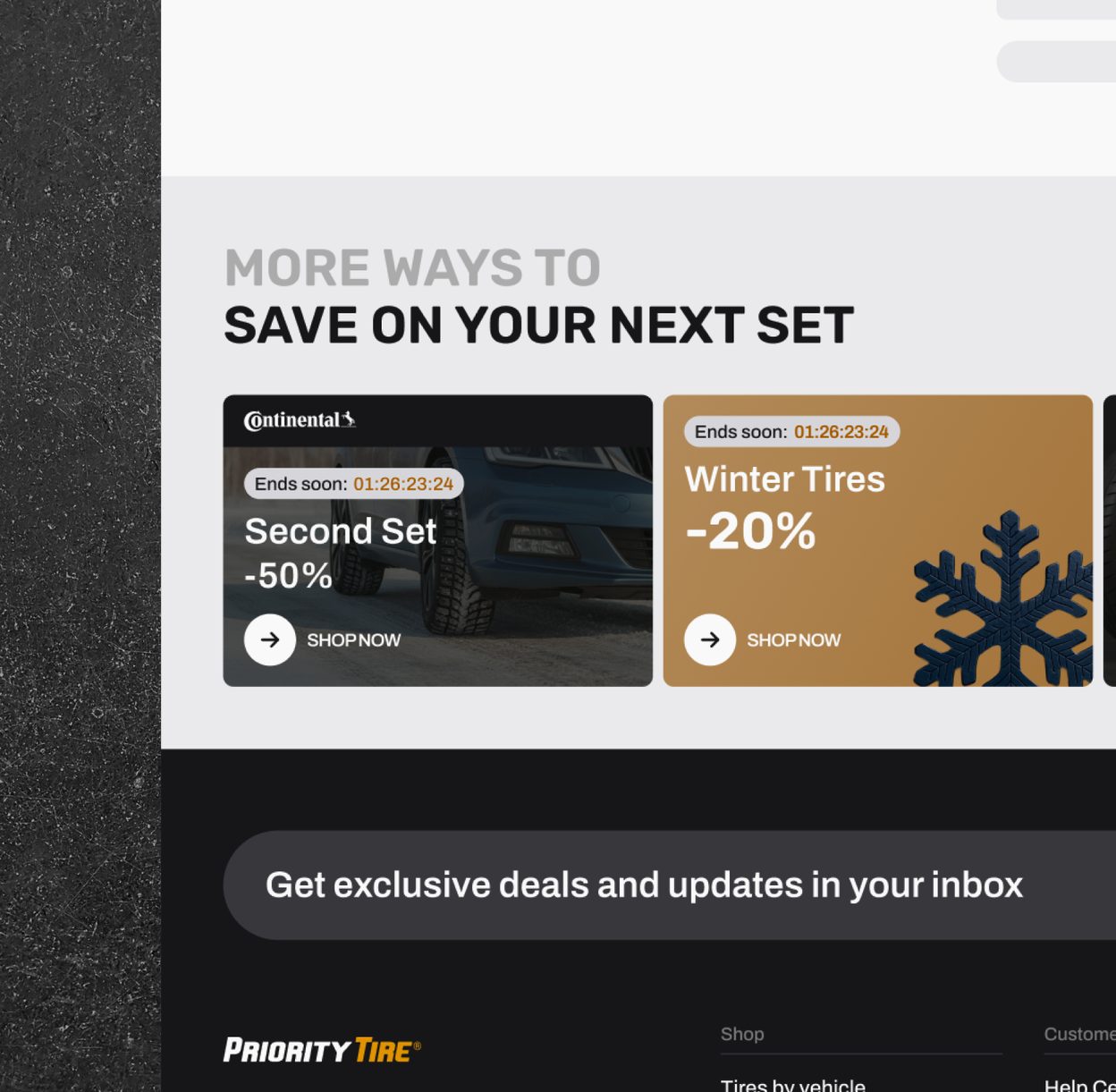
Every empty state offers a next step, and promo banners show the actual products on sale.
I treated conversion as part of every page, not just the key flows. Empty states never leave people stuck: they offer current deals or a tool like the tire size selector.
Promo banners do more than announce a discount. Some use 3D, others preview the products in the offer, so people see real items first. If those don't fit, a filtered catalog is one click away.